Getting Reliable Wi-Fi in Iceland: A Traveler's Guide
Getting Reliable Wi-Fi in Iceland: A Traveler’s Guide
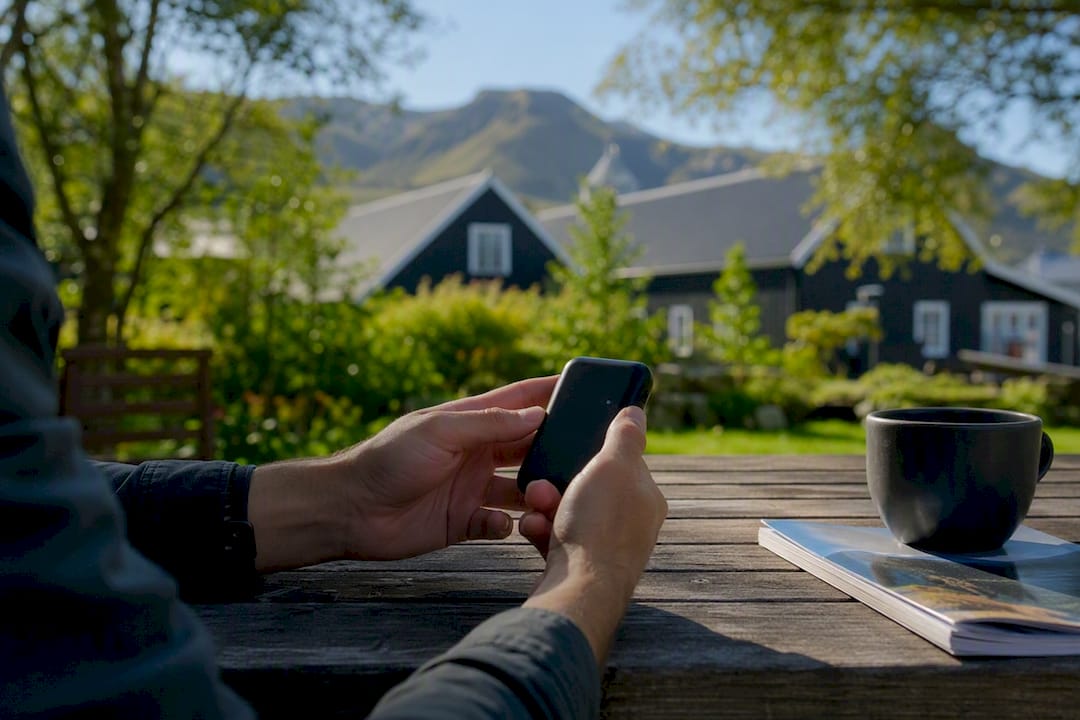
For most visitors, the fastest and cheapest way to stay online is a local SIM or eSIM from Síminn, Vodafone Iceland, or Nova. Groups traveling together or anyone juggling multiple devices should look at renting a pocket Wi-Fi instead. Wi-fi in Iceland works differently depending on where you are: reliable and fast in Reykjavík, patchy once you hit the Ring Road’s remote stretches. Here’s the quickest path to getting connected:
- Land and connect: Use the free terminal Wi-Fi at Keflavík to confirm bookings or order a SIM before you even reach the rental car counter.
- Pick your setup: A tourist SIM or eSIM covers solo travelers and couples; pocket Wi-Fi suits groups of three or more.
- Check coverage: Síminn generally has the widest rural reach, useful if you’re driving deep into the south or east.
Key Takeaways
A local SIM or eSIM from Síminn, Vodafone Iceland, or Nova gives most travelers the cheapest, most reliable path to staying connected across Iceland.
| Point | Details |
|---|---|
| Pick SIM over hotspot solo | Solo travelers and couples save money with a local SIM or eSIM instead of a pocket Wi-Fi rental. |
| Rent pocket Wi-Fi for groups | Groups of three or more benefit from one shared hotspot at roughly $8 to $9 per day. |
| Use Keflavík Wi-Fi immediately | Connect to “Kefairport-Free Wifi” on arrival to confirm bookings before reaching the SIM desk. |
| Don’t assume EEA roaming works | Confirm Iceland is on your Irish carrier’s included country list before relying on roaming. |
| Prepare for Ring Road gaps | Download offline maps and handle uploads in towns before driving remote or highland stretches. |
Table of Contents
- Wi-Fi Availability in Reykjavík and Other Urban Areas
- Coverage Along the Ring Road, in Small Towns, and in the Highlands
- Airport Wi-Fi and Getting Data the Moment You Land
- Local SIM Cards and eSIMs: Prices and How to Activate Them
- Portable Wi-Fi Rentals: Who Should Bother
- Roaming Rules and What Irish Travelers Need to Check
- Practical Tips for Staying Connected on the Road
- Fox Hostel: What Guests Can Expect for Connectivity
- Ready to Book Your South Coast Base?
- Pages Worth Checking Before You Go
- What Actually Matters When You’re Planning Connectivity
- Sources
Wi-Fi Availability in Reykjavík and Other Urban Areas
Free Wi-Fi is everywhere in Iceland’s capital. Cafés, hotels, libraries, restaurants, and even some bus stops offer networks you can hop onto without asking twice. Iceland ranks among the world’s most connected countries, and that shows up directly in daily life: internet penetration in Iceland sits at a level that supports fast, dependable connections across nearly every urban business, not just the tourist-facing ones.
That reliability means video calls, streaming, and uploading photos all work about as smoothly in Reykjavík as they would at home. The catch is less about speed and more about access. Hotel and hostel networks often route you through a login page tied to your room number, and some cap how many devices you can connect at once.
A few things worth asking at check-in:
- Is there a time limit on the free Wi-Fi, or does it run for your whole stay?
- How many devices can you connect per guest?
- Is the signal strong in your actual room, or only in common areas?
If you’re working remotely and need a stable connection for calls, don’t assume every property advertises “free Wi-Fi” with the same bandwidth behind it. When in doubt, tether to mobile data for anything time-sensitive, and save the hotel network for casual browsing.
Coverage Along the Ring Road, in Small Towns, and in the Highlands
Most of Route 1 has usable 4G coverage, but “most” is doing real work in that sentence. Drive through remote fjords in the Westfjords, or venture onto highland F-roads, and your bars will drop without warning. This isn’t a flaw in your plan. It’s the terrain: mountains block signal, and cell towers thin out fast once you’re more than an hour from a town center.
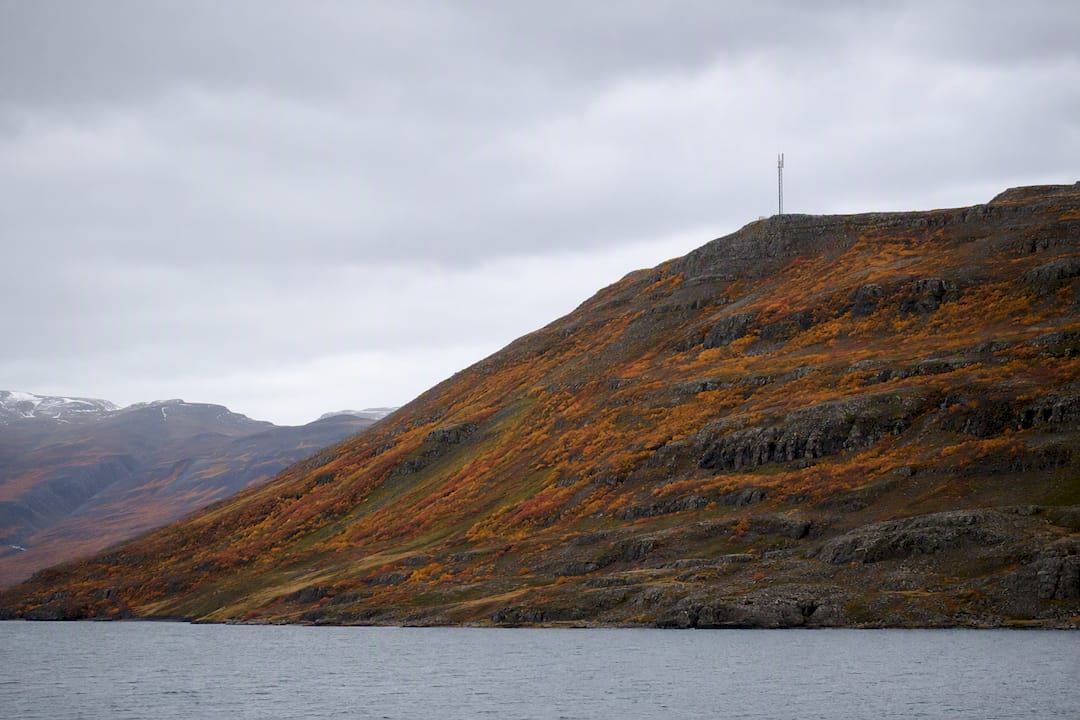
Rural guesthouses and campsites are inconsistent by nature. Some run on the same fiber backbone as Reykjavík; others depend on slower satellite links that choke the moment three guests try to stream at once. Campsite Wi-Fi, when it exists at all, is usually limited to the reception building rather than piped out to your tent or camper.
Self-drive guides consistently flag connectivity as a safety issue as much as a convenience one, since staying connected supports real-time weather and navigation updates that matter on roads where conditions shift fast.
Practical prep matters more here than anywhere else in the country:
- Download offline maps for your entire route before you leave Reykjavík.
- Handle uploads, bookings, and calls while you’re still in a town with solid signal.
- Tell someone your route if you’re heading into a stretch with no coverage.
Pro Tip: Download Google Maps or Maps.me offline sections for the whole South Coast and Ring Road before you leave the airport. You won’t remember to do it once you’re driving past waterfalls every twenty minutes.
Airport Wi-Fi and Getting Data the Moment You Land
Keflavík Airport runs free Wi-Fi throughout the terminal under the network name “Kefairport-Free Wifi.” It’s unlimited and doesn’t require a login code tied to a purchase, so use it right away to confirm your rental car reservation, message your accommodation, or download that offline map you forgot about.
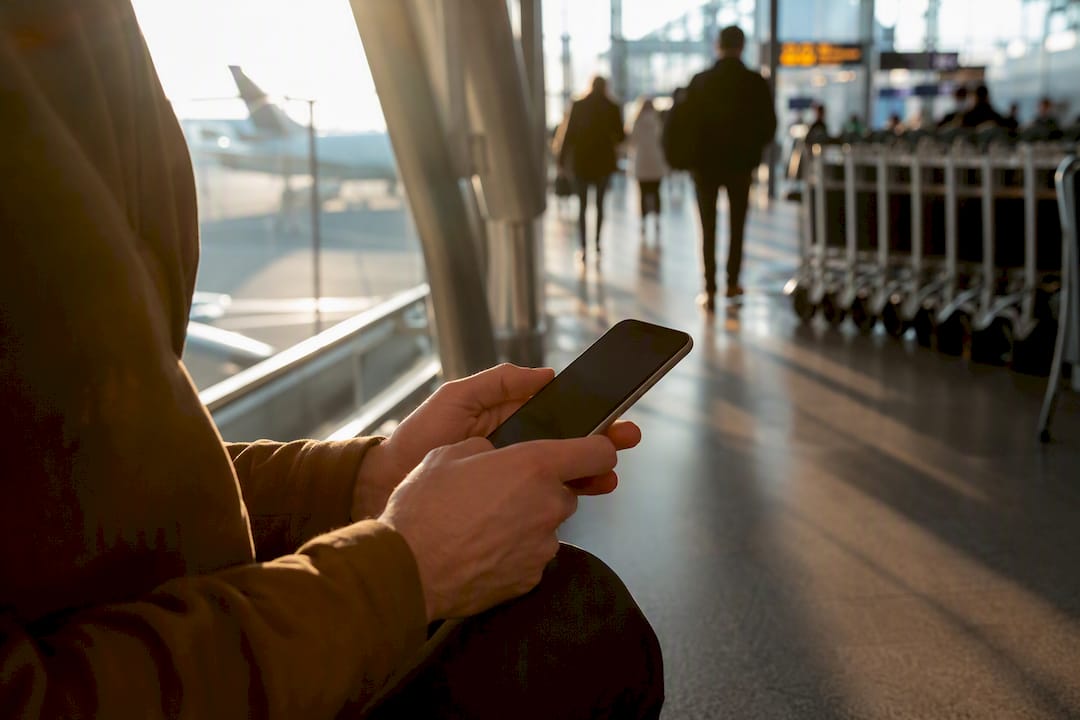
From there, getting a physical SIM is straightforward. Síminn typically operates a desk in the arrivals area, and it’s usually the fastest way to walk out of the airport already online. Vodafone Iceland and Nova products are also widely sold at kiosks and convenience stores once you’re in Reykjavík, so missing the airport desk isn’t a disaster.
Before you land, it helps to check:
- Whether your phone is unlocked (carrier-locked phones can’t take a foreign SIM).
- Whether you’d rather preinstall an eSIM before departure and skip the counter entirely.
- Your expected data use per day, so you’re not guessing at package size while jet-lagged.
Buying at the airport costs a few minutes but saves you from hunting down a store later, especially if you’re picking up a rental car and driving straight out of the Reykjavík area.
Local SIM Cards and eSIMs: Prices and How to Activate Them
Síminn, Vodafone Iceland, and Nova are the three operators worth knowing, and each sells tourist-focused SIM packages with data bundles sized for short trips. Coverage differs slightly by operator and region, so if your itinerary leans heavily rural or into the Westfjords, ask specifically about coverage there rather than assuming national coverage maps tell the full story.
eSIMs have become the more convenient option for a lot of travelers, since you can install one before you even board your flight. Providers like Airalo sell Iceland-specific eSIM plans, and the local operators offer their own eSIM products too. The only real requirement is checking that your phone supports eSIM technology, since older or budget models often don’t.
Here’s a simple way to think about activation:
- Buy before or on arrival. Preorder an eSIM online, or grab a physical SIM at the airport or in town.
- Activate through the app. Most operators have an app for topping up data and checking your remaining balance.
- Match data to trip length. A three-day city visit might only need 3 to 5 GB; a two-week Ring Road trip with heavy map and photo use often calls for 15 GB or more.
Top-ups work the same way as the initial purchase, through the operator’s app or a quick visit to a store, so running low mid-trip isn’t a crisis.
Portable Wi-Fi Rentals: Who Should Bother
Pocket Wi-Fi devices make sense when you’re traveling with more than two people, since one hotspot can cover a full carload of phones, tablets, and laptops without anyone burning through personal data. Rental rates commonly land around $8 to $9 per day, and the per-day cost usually drops the longer you keep the device.
The upside is simplicity: everyone connects to one network, and you’re not managing four separate SIM cards. The downside is just as real. A pocket Wi-Fi is a single point of failure. Forget to charge it, drop it in a puddle at Reynisfjara, or drive out of coverage, and the whole group loses signal at once.
A few logistics to sort out ahead of time:
- Many rental companies offer pickup at Keflavík or delivery to your Reykjavík accommodation.
- Compare providers on data caps, not just daily price, since some throttle speeds after a certain limit.
- Bring a car charger. These devices drain fast, especially when several phones are pulling from them at once.
For solo travelers or couples, a local SIM is almost always the cheaper and simpler route.
Roaming Rules and What Irish Travelers Need to Check
Iceland’s membership in the European Economic Area doesn’t automatically mean your Irish mobile plan works there the way it would in an EU country. Roaming inclusion depends entirely on your specific carrier and plan, not on Iceland’s EEA status alone.
Before you fly, run through this checklist:
- Confirm whether Iceland appears on your provider’s included-roaming country list.
- Check for daily or total data caps once you land, since some plans throttle speed after a threshold.
- Manually enable roaming on your phone. It’s often switched off by default to prevent surprise charges.
- If Iceland isn’t covered, a tourist SIM or eSIM is usually cheaper than pay-per-use roaming fees.
For a short weekend trip with roaming already included, sticking with your home plan can be the easiest call. For anything longer, a local SIM tends to work out cheaper and gives you better rural coverage anyway.
Practical Tips for Staying Connected on the Road
Small habits make the difference between a smooth trip and a stressful one when signal is unpredictable.
- Pack a high-capacity power bank and a car charger. Cold weather drains batteries faster than you’d expect, and you don’t want your phone dead when you need a map.
- Charge everything overnight before long driving days, especially if you’re heading toward the East Fjords or highland routes.
- Download offline maps for your whole route, and enable Wi-Fi calling if your home carrier supports it, so incoming calls don’t rely on mobile signal alone.
- Use a VPN on public Wi-Fi, particularly in hostels and cafés where networks are shared with strangers.
- Build a quick morning routine: check your operator’s coverage map for the day’s route, top up data if you’re entering a long low-signal stretch, and make sure devices are charged before you leave.
Pro Tip: Tether your laptop to your phone’s hotspot for anything urgent, and save hotel Wi-Fi for background tasks like syncing photos overnight.
Fox Hostel: What Guests Can Expect for Connectivity
Fox Hostel sits in Hrífunes Nature Park, positioned between Vík and Kirkjubæjarklaustur, which makes it a natural stop to sort out data before continuing east toward Vatnajökull and the glacier lagoons. Wi-Fi in the communal kitchen and common areas is solid for messaging, browsing, and light streaming, and there are charging points scattered through shared spaces so you’re not hunting for an outlet.
Guests often ask staff where to top up data before heading further east, since coverage gets thinner past Kirkjubæjarklaustur. Knowing which operator works best on that stretch, and buying data before you leave, saves a headache later.
What to expect on-site:
- Communal Wi-Fi strong enough for typical browsing, messaging, and video calls in shared areas.
- Charging access throughout common spaces, useful before a long driving day.
- Staff familiar with local coverage patterns and happy to point you toward the right operator for your route.
Fox Hostel’s own guide to hostel amenities budget travelers should expect covers what’s typical across South Iceland stays, connectivity included.
Ready to Book Your South Coast Base?
Staying connected matters, but so does having a solid home base while you explore Reynisfjara, Dyrhólaey, and the glacier country further east. Fox Hostel offers flexible booking, whether you need a single bed as a solo traveler or want to book out an entire room for privacy with your group. Check available rooms and dorms for your South Iceland trip, and if you’re weighing whether a communal setup fits your travel style, the hostel’s guide on travelling Iceland on a budget breaks down the cost trade-offs between SIMs, hotspots, and where you stay. For a broader look at comparing lodging features, including connectivity, this guide to choosing holiday homes is worth a look before you finalize your itinerary.
Pages Worth Checking Before You Go
Confirm current prices and coverage details directly with the source before you buy anything.
- Síminn, Nova, and Vodafone SIM/eSIM options — verify current tourist SIM pricing and packages.
- Europa’s roaming guidance — check EEA roaming rules that apply to your specific carrier.
- Keflavík Airport services page — confirm airport Wi-Fi details and any updates to terminal services.
What Actually Matters When You’re Planning Connectivity
Most advice on this topic overcomplicates a fairly simple decision. Travelers spend hours comparing SIM plans down to the last gigabyte when the real variable that matters is trip shape, not brand loyalty between Síminn, Vodafone Iceland, or Nova. A weekend in Reykjavík barely needs a data plan at all, given how much free Wi-Fi already blankets the city. A two-week Ring Road trip is a different animal entirely, where coverage gaps in the highlands and Westfjords matter more than which operator has the flashiest app.
The EEA roaming assumption trips up more Irish travelers than it should. People see “Iceland” and “Europe” and assume their home plan just works. It often doesn’t, and finding that out at a gas station with no signal is a bad time to learn it. Check your plan before you fly, not after.
If there’s one thing worth prioritizing above all else, it’s downloading offline maps before you leave cell coverage behind. Everything else, SIM cards, hotspots, hotel Wi-Fi, is a convenience. Offline maps are the one thing that keeps you safe when the signal simply isn’t there.
— Siggi
Sources
- Europa — mobile roaming costs guidance
- Statista — Iceland internet penetration rate
- Keflavík Airport services
- Iceland SIM and eSIM | The Icelandic Guide
- Rent